Anatomy of Our MCP Server: OAuth, .well-known Discovery, and Tool Design
A production teardown of Crisphive’s MCP server: OAuth, well-known discovery, tool schemas, and the guardrails that make assistant-driven field operations usable.
MCP OAuth became the part of our MCP server where product intent, protocol hygiene, and field operations reality all met at once. The build was not just about exposing tools to Claude or ChatGPT; it was about making sure an operator could connect a scheduling system, trust the permission path, and then use an assistant without wondering which account, tenant, or job record was actually in play.
This teardown walks through the production shape: OAuth flows, well-known discovery, tool schemas, and the guardrails that keep a field-service workflow from turning into a vague chat integration. It is written for developers and AI builders who want MCP server examples that feel close to real product work, not a demo that ends at the first successful function call.
The context
For Crisphive, the MCP server sits between conversational clients and the operational system that dispatchers already depend on. That means the server has two jobs. It has to be legible to an agent, and it has to be cautious around business actions like reading schedules, updating jobs, or shaping technician routing decisions.
The brief for this server was narrower than “make an AI agent tools API.” We needed a remote surface that could express our scheduling and dispatch actions clearly, with account ownership handled before a tool ever runs. OAuth became the front door because it gives the user a recognizable consent path and gives us a clean boundary for tenant-aware access.
The other front door is discovery. A client needs to know where the server lives, how authorization works, and what tool surface is available without a developer pasting bespoke setup notes into every assistant. That is where well-known discovery matters. It turns connection into a predictable contract instead of a support thread.
That framing also kept us honest about MCP OAuth cost. The cost is not only implementation time; it is every future edge case where a user connects the wrong workspace, a token ages badly, or a tool description lets the model infer more authority than the product intended.
How it works
The production flow starts with the client discovering the MCP server metadata, then walking the user through authorization before any field operations tool can touch tenant data. The pieces are intentionally boring: a discoverable server, an OAuth-backed connection, scoped access, and tool schemas that say exactly what the action accepts and returns.
OAuth handles identity and consent. The MCP layer handles the tool contract. The application layer decides what a connected user is allowed to do. Keeping those concerns separate was the first important design choice. When a request arrives, the server should not be reinterpreting permissions from prose; it should be checking the authenticated account, the selected workspace, and the tool arguments against product rules.
Tool design is where the integration either becomes useful or becomes risky. Our MCP tool design favors narrow operations with explicit inputs over broad “do anything” endpoints. A scheduling action should ask for a job, a technician, a time window, or a dispatch constraint in a structured way. Function calling scheduling works best when the model is choosing among precise actions, not inventing a private workflow around a generic API.
The external ecosystem shaped the implementation posture too. Anthropic’s news around agentic workflows and Claude documentation both reinforce the same product pressure: users expect assistants to connect to real tools, but production teams still have to make those tools auditable, limited, and recoverable.
What users experience
Users should not experience the MCP server as infrastructure. They should experience it as a clean connection step followed by useful actions inside the assistant they already chose. The ideal path is simple: connect the Crisphive account, approve access, and ask the assistant to help with a field-ops task.
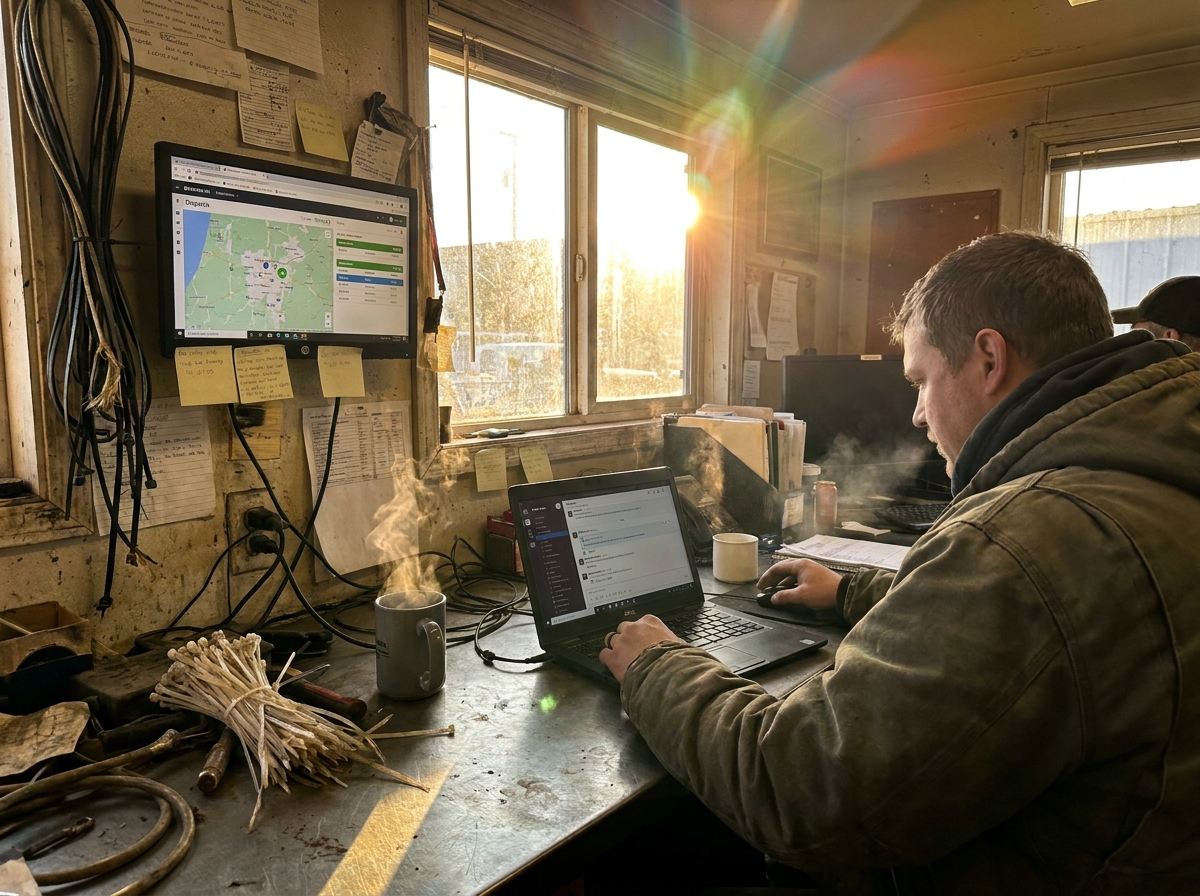
Once connected, the assistant can present work in the language of the operation: jobs, technicians, schedules, dispatch windows, and customer commitments. That is where MCP OAuth for small business matters. A small team does not want to debug protocol setup; they want the confidence that a connected assistant is operating inside the same account boundaries as the rest of the product.
The user-facing experience also depends on restraint. If the assistant can list every possible tool without context, the interface feels powerful but slippery. If the server offers a smaller set of well-described actions, the assistant has a better chance of asking for the missing detail before it changes something important. That is the practical difference between MCP OAuth software as a checkbox and an integration that can survive daily dispatch work.
For builders comparing MCP server examples, the lesson is to evaluate the whole path, not only the handshake. The best MCP OAuth implementation is the one where authentication, discovery, tool naming, and error messages all point the user toward the same safe next step.
Lessons learned
The first lesson is that discovery is product work. A .well-known endpoint looks like plumbing, but it decides whether the next developer, client, or assistant can understand the integration without folklore. If the metadata is clear, connection feels intentional. If it is thin, every client ends up compensating in its own way.
The second lesson is that tool schemas need the same care as public API routes. Names, descriptions, required fields, and validation messages all become part of the model’s operating environment. “Update schedule” is too broad. “Move a job to a proposed time window after checking technician availability” is closer to the job the user actually expects.
The third lesson is that guardrails should live below the model. The assistant can ask nicely, but the server has to enforce. That means tenant checks, permission checks, argument validation, logging, and release paths when a request cannot be completed. Those choices are how to improve MCP OAuth in practice: make the authorized path useful, and make the unauthorized path explicit.
We also learned to avoid turning competitor_keywords into product copy. Terms like AI agent tools API, function calling scheduling, and MCP server examples are useful search language, but the article and the product still need to speak in concrete field-ops terms. Otherwise, the integration sounds like it was built for a benchmark instead of a dispatcher.
What's next
The next work is less about making the server larger and more about making it clearer. More tools are only helpful when each one maps to a real field-service action with a crisp permission boundary. We would rather add a small number of dependable scheduling and dispatch tools than expose a wide surface that feels impressive in a demo and vague in production.
We also want the connection experience to keep improving. MCP OAuth 2026 will likely be judged by how little protocol knowledge a user needs in order to connect safely. For developers, that means better discovery, better setup messages, and fewer hidden assumptions between the client, authorization server, and MCP surface.
The same applies to content and documentation. Queries like MCP OAuth tips, MCP OAuth examples, MCP OAuth cost, and how to improve MCP OAuth all point to the same need: builders want to see what survives contact with a real product. Our answer is to keep publishing the practical pieces of the system as they harden: the auth path, the discovery contract, the tool design, and the failure modes we choose to make visible.
The endpoint is not “an assistant can call an API.” The endpoint is a field operations workflow where the assistant knows what it can do, the user knows what they approved, and the server holds the line when a request steps outside the contract. The work is quieter than a launch note, but it is the difference between a demo surface and a durable operating path.
#MCP#OAuth#APIDesign#ClaudeAI#DevTools#BuildInPublic#API#AIAgents#FieldService#FieldOps#SmallBusiness#dispatch#scheduling#AI#automation#SaaS#B2B#Productivity