The Landscaping Scheduling Software Buying Guide (2026 Edition)
A practical buying guide for Landscaping owners and ops leaders evaluating scheduling software, vendor questions, red flags, and AI scheduling fit.
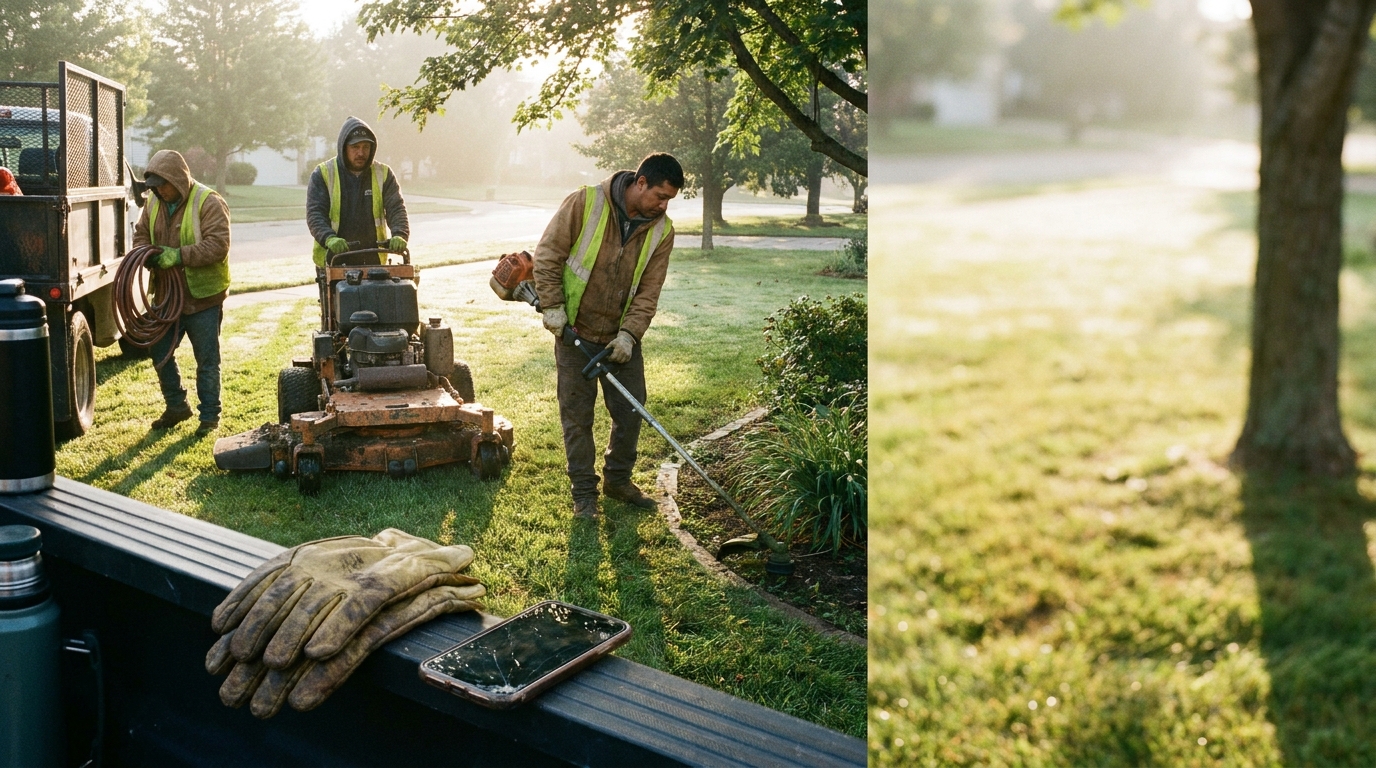
Buying landscaping scheduling software is not really about buying a calendar. It is about deciding how your crews, office, estimates, repeat work, weather changes, customer promises, and dispatch calls will fit together when the day starts moving. For Landscaping owners and ops leaders, the right tool should make the next job clearer, not bury the team in another screen. This guide walks through the evaluation criteria, vendor questions, red flags, and the place AI scheduling can have in a modern Landscaping stack.
What Landscaping teams actually need from scheduling software
Landscaping work has a rhythm that generic scheduling tools often miss. Crews may start the morning with a tidy route, then lose time to a late customer, a missing gate code, a mower issue, or a change order that should not wait until Friday. The schedule has to help the office see what is happening without calling every crew lead.
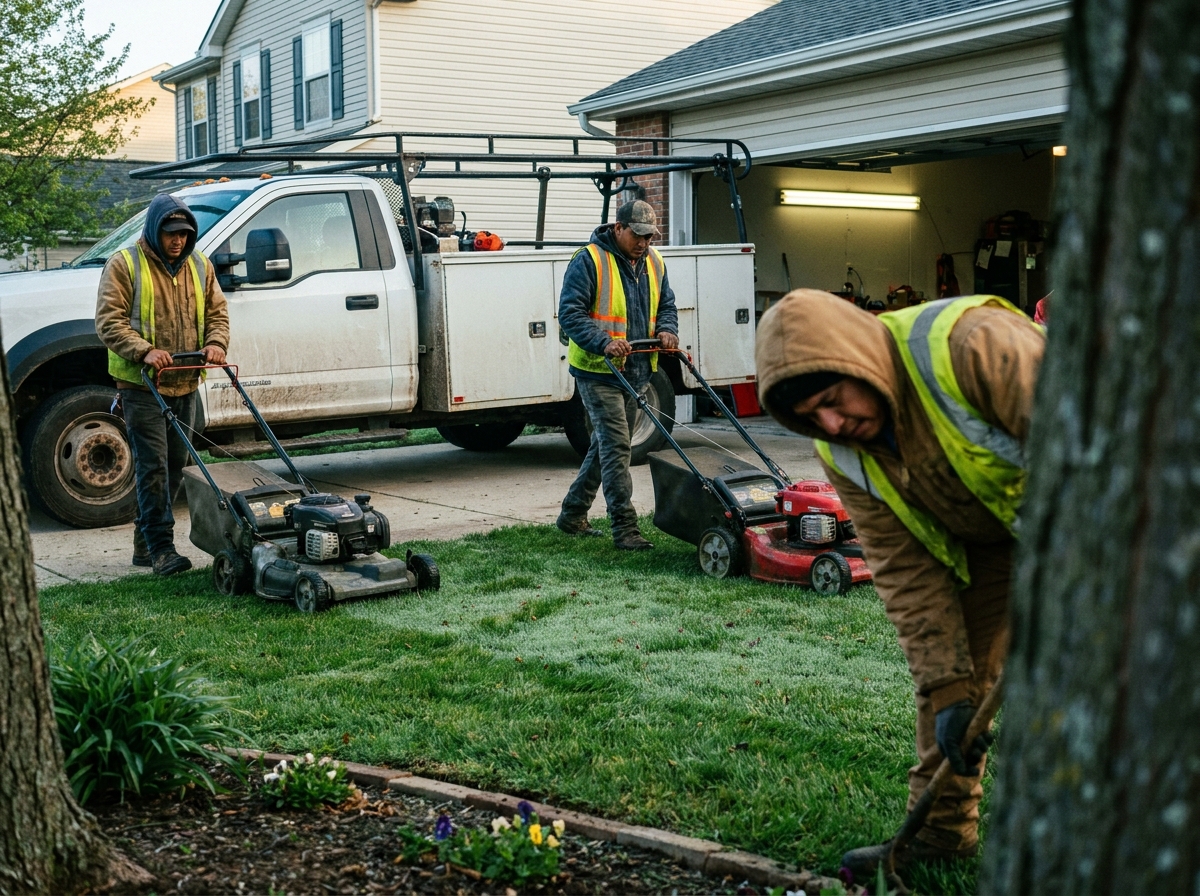
The first need is a shared operating view. Dispatch should know which crews are assigned, what type of work they are doing, what equipment or materials are implied, and whether the customer promise still makes sense. Field teams should see enough job context to move without asking the office for every detail. Owners should be able to spot overloaded days before those days become customer complaints.
This is where landscaping business software becomes different from a simple calendar. The schedule is connected to routes, job notes, recurring maintenance, one-off projects, estimates, invoices, and customer communication. If those pieces live in separate places, the team still has scheduling work to do after buying scheduling software.
A good buying process starts by writing down the actual scheduling problems: missed handoffs, slow dispatch, duplicate entry, unclear crew capacity, weak job notes, late customer updates, or poor visibility into recurring work. Those problems are the standard. The best landscaping software for one company is the one that removes the specific friction the team already feels.
Must-have vs nice-to-have features
Must-have features are the ones that protect the workday. For most landscaping teams, that means crew scheduling, route visibility, mobile job access, recurring work support, customer notes, simple job status updates, and a dispatch view that makes conflicts obvious. If a tool cannot handle those basics cleanly, the rest of the feature list does not matter much.
Nice-to-have features are useful when the core workflow is already solid. These can include advanced reporting, deeper automations, sales dashboards, marketing tools, or highly detailed configuration. They may help, but they should not decide the purchase before the team has tested the daily scheduling flow. A feature that looks impressive in a demo can become noise if the crew never uses it.
Use a plain test for every feature: who will use it, when will they use it, and what decision gets better because it exists? If the answer is vague, it is probably a nice-to-have. If the answer is tied to dispatch speed, fewer missed notes, better crew visibility, or cleaner customer communication, it belongs closer to the must-have list.
This is also the place to compare a Jobber alternative or an LMN vs Jobber discussion carefully. Do not let the comparison become a logo debate. A landscaping dispatch software comparison should stay focused on workflow fit: how the schedule is built, how changes move to the field, how recurring work is handled, and how easy it is for an owner or manager to audit the day.
Questions to ask every vendor
Start with your real week, not the vendor's favorite demo path. Ask the vendor to build a schedule for a maintenance crew, a project crew, an urgent change, and a recurring customer. Then ask what the office sees, what the crew sees, and what happens when the day changes. The answer should be clear without a long workaround.
How does the schedule connect to customer notes, job scope, route context, and crew assignments?
Can dispatch update the schedule once and have the field see the change immediately?
How are recurring jobs, seasonal work, and one-off projects handled differently?
What does a crew lead see on mobile when they arrive at the job?
How hard is it to change a route, reassign a crew, or move a job without losing history?
Which reports or views help an owner find scheduling problems before customers notice?
Ask vendors to explain their assumptions about the Landscaping market and where their product has been used. Industry context can be useful, but it should be grounded. You can compare vendor claims with associations such as the National Association of Landscape Professionals or trade coverage from Lawn & Landscape when you want a broader view of the space.
If a vendor talks about labor trends, business growth, or market size, ask for the source instead of accepting the slide. Public references such as the BLS Occupational Outlook Handbook or Statista can help you separate sourced context from vague sales language. The point is not to turn the buying process into research work. The point is to make unsupported claims easier to spot.
Red flags and lock-in traps
The clearest red flag is a demo that looks good only when everything goes perfectly. Landscaping schedules do not work that way. A useful tool should handle the ordinary mess: a crew running late, a customer adding work, a job moving to another day, or a dispatcher needing to rebalance the route. If the vendor avoids those scenarios, keep asking.
Another trap is hidden dependence on manual cleanup. Some systems look organized because a manager has to fix everything after the fact. That is not better scheduling; it is prettier administration. Ask what happens when jobs move, what data has to be re-entered, and whether customer-facing updates stay aligned with internal changes.
Lock-in can also show up in exports, integrations, and ownership of job history. Before signing, ask how you get your customer list, job notes, schedule history, tags, and attachments back out. Ask which integrations are native, which depend on paid services, and which need custom work. If the answer is unclear, the switching cost may be higher than the subscription.
Watch for keyword-driven buying traps too. Searches like best landscaping scheduling software, landscaping scheduling software 2026, landscaping scheduling software for small business, landscaping scheduling software cost, landscaping scheduling software examples, or landscaping scheduling software tips can surface long lists, but those lists do not know your workflow. Even the awkward search landscaping scheduling software software points to the same problem: buyers are often trying to find clarity in a crowded category.
Where AI scheduling fits in a modern Landscaping stack
AI scheduling should not replace operational judgment. It should make the scheduling work easier to see and easier to adjust. In a Landscaping stack, that means helping the office notice conflicts, suggest better assignments, summarize job context, draft customer updates, and reduce the small coordination tasks that slow dispatch down.

The useful question is not whether a product says AI. The useful question is where the intelligence sits in the workflow. If AI only writes generic text or decorates a dashboard, it may not change the day. If it helps an operator understand capacity, compare route options, prepare crews, or make faster rescheduling decisions, it has a more practical role.
For teams considering a landscaping scheduling software alternative to Jobber, AI can be part of the comparison, but it should not be the whole comparison. The core still matters: schedule quality, dispatch visibility, field adoption, customer communication, integrations, and clean data. AI-native scheduling is strongest when the underlying system already understands the work.
A modern stack can include estimating, CRM, accounting, payments, messaging, route planning, and reporting. Scheduling sits in the middle because it turns promises into daily work. AI belongs there when it helps the team keep those promises with fewer clicks and fewer surprises.
Decision checklist
Before you choose, bring the decision back to the way your team actually operates. A clean checklist prevents the loudest feature from winning over the most important workflow. It also gives owners and ops leaders a shared language for comparing tools without turning the process into a sales-call memory contest.
List the three scheduling problems you most want to solve.
Run each finalist through a real maintenance day, project day, and changed-route scenario.
Confirm the mobile view is simple enough for crews to use under pressure.
Check how recurring work, one-off jobs, customer notes, and dispatch changes connect.
Ask how your data exports if you leave.
Separate must-have workflow features from nice-to-have dashboards.
Evaluate AI only where it improves scheduling decisions or reduces coordination work.
If you are asking how to improve landscaping scheduling software decisions, start with the workday instead of the feature grid. The right tool should make your operation calmer. It should help the office see capacity, help crews understand the work, and help customers get clearer communication. If a platform makes the schedule easier to trust, it deserves a serious look. If it adds complexity without improving dispatch, keep looking.
#Landscaping#BuyingGuide#Software#FieldService#Trades#SkilledTrades#HomeServices#BlueCollar#FieldOps#SmallBusiness#dispatch#scheduling#AI#automation#SaaS#B2B#Productivity