Why Field Service Scheduling Is Still Broken in 2026
The morning schedule rarely survives past 10am — and every "smart" FSM tool still waits for a human to drag jobs around a screen. Here is what actually-automatic rescheduling looks like.
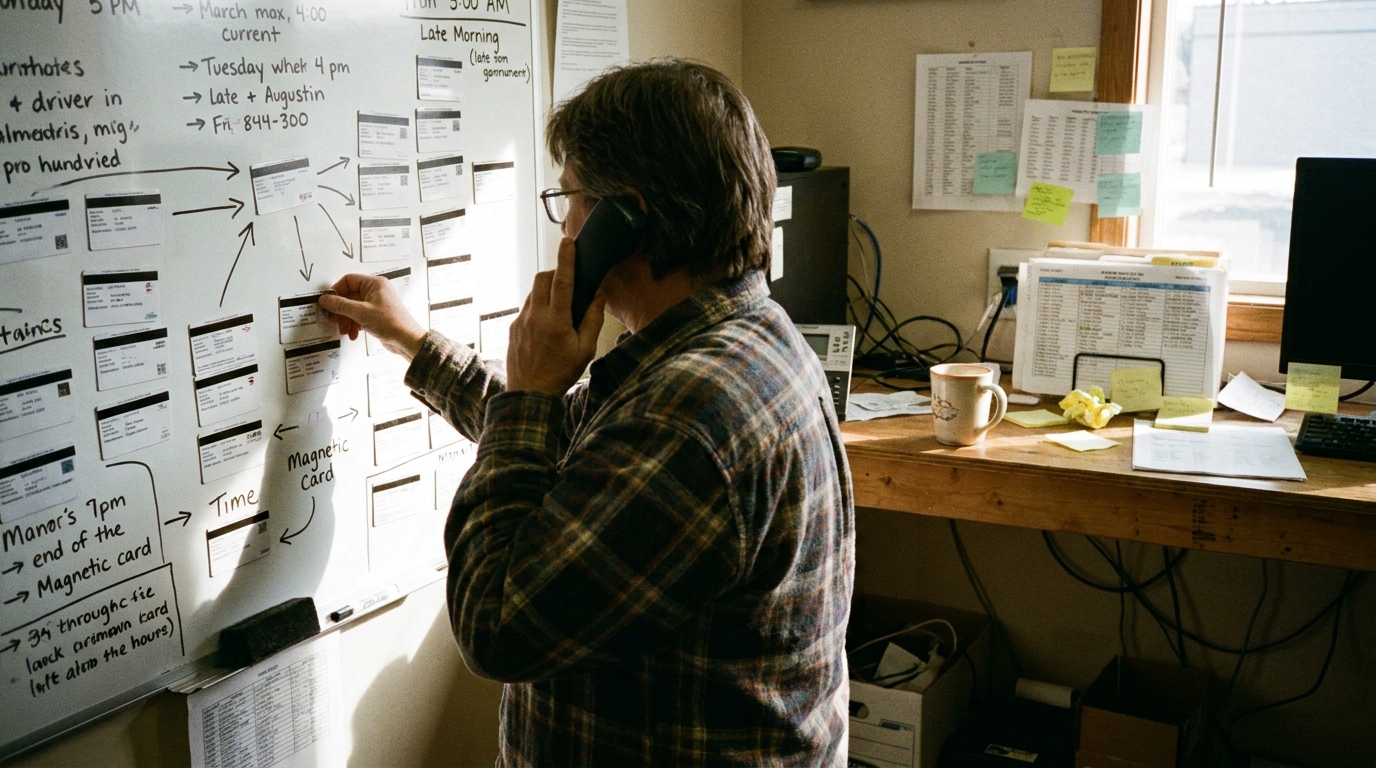
At 7:00 a.m., the schedule on the board looks pristine. Every technician has five stops, drive times line up with service area boundaries, and arrival windows match what was promised to customers on Monday. By 10:15 a.m., that plan is obsolete. A compressor replacement in a basement runs 40 minutes over because an isolation valve is seized. A commercial customer calls to cancel a routine inspection. An urgent outage lands two postal codes away, demanding immediate response.
By mid-morning, dispatchers face the same quiet crisis: managing a cascade of delays across twelve vehicles with a phone ringing in one hand and coffee getting cold in the other. The morning plan was built for an ideal day that rarely happens in field operations. When reality diverges from the screen, the system breaks down into manual phone calls, text messages, and guesswork.
The drag-and-drop trap
Most operations management software promises to solve schedule disruption by putting a digital board on a browser screen. When a job runs long or a vehicle breaks down, the system alerts the dispatcher with a red icon or a pop-up notification. But pointing at a problem is not solving it.
Once the system flags a delay, the burden falls entirely on a human operator to fix it. A dispatcher must click a job, drag it to another technician's timeline, verify that the technician holds the required gas certification, estimate drive time between the new locations, check that the customer's promised time slot is preserved, and ensure mandatory break times remain intact. Dragging one job affects the next three. Reassigning a stop to save an afternoon appointment creates an hour of unnecessary windshield time across town for someone else.
This is a massive combinatorial challenge. Re-planning an eight-technician schedule mid-day involves balancing skills, service areas, working hours, travel constraints, priority levels, and customer time slots. Human minds and simple drag-and-drop screens are simply not equipped to calculate hundreds of shifting variables in real time. The result is a series of reactive, sub-optimal compromises made under pressure.
How to automatically reschedule technician jobs mid-day
Solving mid-day disruptions requires moving beyond notifications to automated schedule reconstruction. True automatic rescheduling does not mean an AI guessing at a calendar or asking a human operator to confirm seven individual drag-and-drop moves. It requires a deterministic engine operating on structured constraints.
To reschedule technician jobs mid-day automatically, a platform must satisfy five core requirements:
Event-driven execution: The rebuild initiates automatically the moment an event occurs — a technician logging a delay in their app, a job status updating, or an emergency booking arriving — without waiting for a human to notice the disruption.
Full-day cascade evaluation: The system evaluates and adjusts the entire remaining schedule for the day across all technicians, rather than attempting to isolate and patch a single job in a vacuum.
Strict constraint enforcement: Every adjusted route strictly honors hard rules, including skill requirements, vehicle equipment, geographic service areas, fixed working hours, regulatory break requirements, and customer SLA windows.
Deterministic logic: Given the same set of jobs, constraints, and locations, the engine generates the exact same plan every time. This deterministic logic ensures complete predictability and auditability for operations teams.
Sub-second processing speed: Calculations execute in seconds so updated routes and ETAs reach technicians and customers before further time is lost to travel.
Crisphive's deterministic solver rebuilds the entire day's schedule in under 3 seconds when a job runs long, a technician calls in sick, or an emergency lands.
What cascade rescheduling actually does
To see how automated mid-day rescheduling operates in practice, consider a standard working day across a six-vehicle team.
At 9:30 a.m., a technician assigned to a commercial refrigeration repair discovers a secondary wiring issue. The job overruns its estimated duration by 40 minutes. In a traditional setup, the technician's 11:00 a.m. appointment would either suffer a late arrival or require a series of phone calls from the dispatcher to find a colleague who happens to be nearby and free.
With cascade rescheduling, the moment the technician updates the job status on their app, the system re-evaluates every remaining stop on the board. It detects that a second technician is finishing a nearby maintenance check early, holds the required electrical credential, and has sufficient capacity before their scheduled break. The 11:00 a.m. job is moved to the second technician's queue, and that technician's later low-priority filter change is shifted to tomorrow morning's route.
Meanwhile, the first technician's remaining afternoon stops are re-ordered to eliminate cross-town travel. Revised arrival notifications are automatically issued to affected customers by SMS and email, updating their estimated time windows without a single manual phone call from the office.
The cost of staying manual
Relying on manual re-planning when schedules break carries a heavy operational price. Every minute a dispatcher spends untangling a disrupted board is time taken away from customer service and long-term coordination.
Unoptimized mid-day schedule adjustments create massive travel waste. When dispatchers assign emergency work or late jobs to whichever technician answers the phone first, drive time between stops explodes. Technicians spend their afternoons sitting in traffic, burning fuel and accumulating unnecessary windshield time while customer promise windows slip.
Teams running constraint-based dispatch cut technician travel time by 20–35%.
Beyond fuel and travel costs, manual scheduling increases technician fatigue and customer churn. Late arrivals, missed lunch breaks, and unexpected overtime damage crew morale, while missed arrival windows harm business trust.
What to look for in 2026
When evaluating software for field operations, look past visual dispatch boards and ask how the system handles schedule changes after 9:00 a.m. Use this five-point checklist:
Deterministic solver engine: Does the platform use deterministic logic to guarantee consistent, auditable route optimization every time?
Multi-vehicle cascade recalculation: Can the solver rebuild entire fleet routes simultaneously when a single stop overruns?
Hard constraint modeling: Does the scheduling engine natively evaluate skill matching, service areas, vehicle gear, and mandatory break times?
Sub-second response time: Does route optimization finish in seconds without locking up the user interface?
Automated customer updates: Are customer notifications triggered automatically when arrival windows adjust?
Frequently asked questions
Can AI really reschedule without a dispatcher?
Yes, provided it operates on deterministic, constraint-based logic rather than generative guesses. The dispatcher defines operational rules — skills, service areas, shift boundaries, and priority levels — and the solver executes the optimal schedule within those boundaries automatically.
What is cascade rescheduling?
Cascade rescheduling is the process of automatically recalculating all downstream jobs, routes, and technician assignments across a team whenever a delay, cancellation, or emergency alters the original plan.
Does automatic rescheduling work with my existing software?
Yes. Systems built with open APIs and dedicated MCP servers can sit alongside your existing record-keeping software, managing real-time optimization while syncing data back to your core records. You can learn more about agentic integrations via our MCP server documentation.
How fast should rescheduling be?
Mid-day rescheduling should complete in seconds. If a re-optimization takes minutes to process, the route data is already out of date by the time technicians receive their updated jobs.
To learn more about constraint-based scheduling architecture, explore the Crisphive solution guide. If you want to see how much travel time and schedule slippage your fleet can eliminate, request a free shadow-schedule audit to compare your historical route data against our solver's performance.