The Solar Scheduling Software Buying Guide (2026 Edition)
A practical buying guide for solar owners and ops leaders comparing scheduling, dispatch, crew capacity, vendor questions, lock-in risks, and automation fit.

Choosing solar installation scheduling software is less about finding the longest feature list and more about deciding how your crews, office team, sales handoffs, permitting work, and customer promises should fit together. Solar owners and ops leaders need a tool that protects install dates while still making room for design changes, inspection windows, equipment delays, and the daily reality of field work. This guide gives you a practical way to compare platforms without treating every vendor demo as equal.
What Solar teams actually need from scheduling software
Solar scheduling is not a simple calendar problem. A useful system has to connect the office plan with what happens before and after the crew arrives: site readiness, design status, permitting, equipment availability, crew skills, travel, inspection timing, and customer communication. If those pieces sit in different tools, the schedule becomes a guess that dispatch has to repair by hand.
Start by mapping the work your team already repeats. A short workshop with sales, operations, and one crew lead is usually more useful than a generic requirements spreadsheet because it exposes where the schedule actually breaks. Where does a sold job become ready for operations? Who confirms roof access, parts, crew size, and install duration? What changes when weather, customer availability, or an inspection slot moves? The right solar business software should make those handoffs visible without asking your coordinators to maintain duplicate boards.
For a solar installation scheduling software for small business, the best test is whether it lowers coordination load instead of adding a second administrative layer. Owners should be able to see capacity. Dispatch should be able to protect the day. Crews should know where to go, what to bring, and what changed.
Must-have vs nice-to-have features
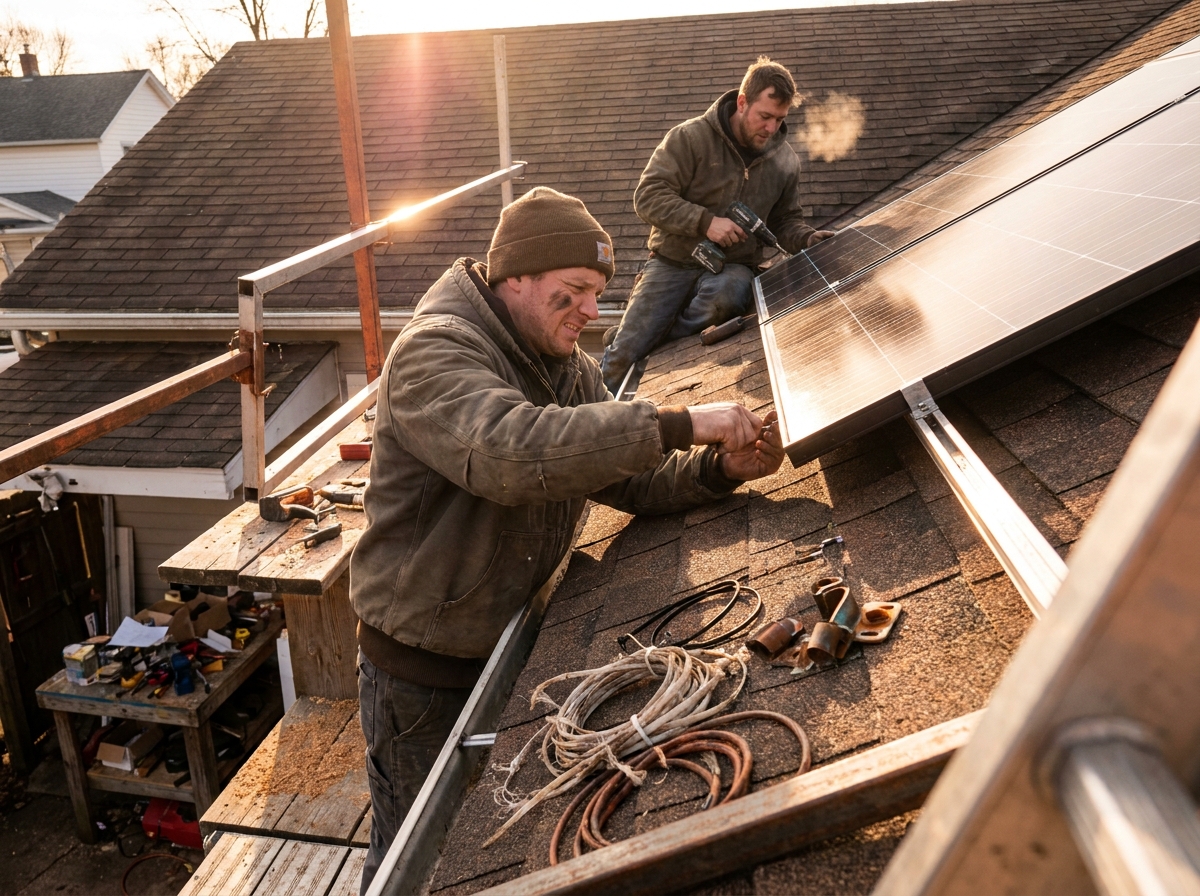
Must-have features are the ones that keep jobs moving when the schedule is under pressure. Treat them as operational controls, not software decorations. Look for crew and skill matching, job duration templates, drag-and-drop dispatch, route-aware calendars, customer notifications, job notes, mobile crew access, and a clear link between project status and schedule readiness. Solar dispatch also needs fast rescheduling because one blocked job can affect several crews.
Nice-to-have features can still matter, but they should not distract from the operating core. Dashboards, polished reports, proposal add-ons, and broad automation claims are useful only if the dispatch board remains trustworthy. A product can look impressive in a demo and still fail if it cannot show which jobs are actually ready to install.
Use your keywords carefully when comparing vendors. The best solar installation software for one company may be a poor fit for another. A solar installation dispatch software comparison should separate project management, CRM, design, and field scheduling instead of treating them as one category. If you are searching for the best solar installation scheduling software, define the job you need it to do before you compare brands.
Questions to ask every vendor
Ask vendors to show the real workflow, not a perfect dashboard. A scripted demo can make any platform look orderly; an exception-heavy walkthrough shows whether the tool supports the work your team does every week. Give them a normal job and then change something: a missing part, a customer delay, a crew member out, a permit not ready, or an inspection that needs to move. Watch whether the schedule explains the consequence or simply lets someone drag a card to a new day.
Good vendor questions include: Can dispatch see crew capacity by day and skill? Can a job be blocked until prerequisites are complete? Can office staff tell why a job is not ready? Can technicians update status from the field? Can the system preserve notes when a job moves? Can it export data if you leave? Can it connect with the CRM, project tool, or accounting process you already use?
Use outside references as context for your buying committee, not as a substitute for your own workflow. Industry groups such as SEIA, public solar resources from NREL, labor role references from the BLS Occupational Outlook Handbook, and market research portals such as Statista can help frame the broader category, but your decision should come back to daily scheduling behavior.
Red flags and lock-in traps
The biggest red flag is a product that treats scheduling as a cosmetic calendar rather than an operating system for field work. Solar teams need a schedule that carries context, not a calendar that only records appointments after decisions have already been made somewhere else. If prerequisites, job readiness, route constraints, crew skills, and install duration live outside the schedule, your team will keep solving the hardest problems in spreadsheets and chat threads.
Watch for lock-in traps early. Ask what data you can export, how attachments are stored, whether custom fields are portable, and what happens to historical job notes if you cancel. Be careful with platforms that require expensive implementation before you can test dispatch basics. A vendor should be able to prove the workflow before asking you to reorganize your company around it.
Competitor searches can be useful here. If you are evaluating a JobNimbus alternative, looking at simpro vs jobnimbus, or searching for a solar installation scheduling software alternative to JobNimbus, compare the operating fit rather than the brand names alone. The question is not which platform has more modules. It is which one makes your next install day easier to run.
Where AI scheduling fits in a modern Solar stack
AI scheduling belongs where it helps dispatch evaluate constraints faster, not where it hides judgment. The value is not magic; it is less manual comparison between possible dates, crews, dependencies, and customer promises. Solar work has too many dependencies for a vague autopilot promise. A useful system should explain why a slot works, what tradeoff it is making, and what needs to be true before a job can hold that date.
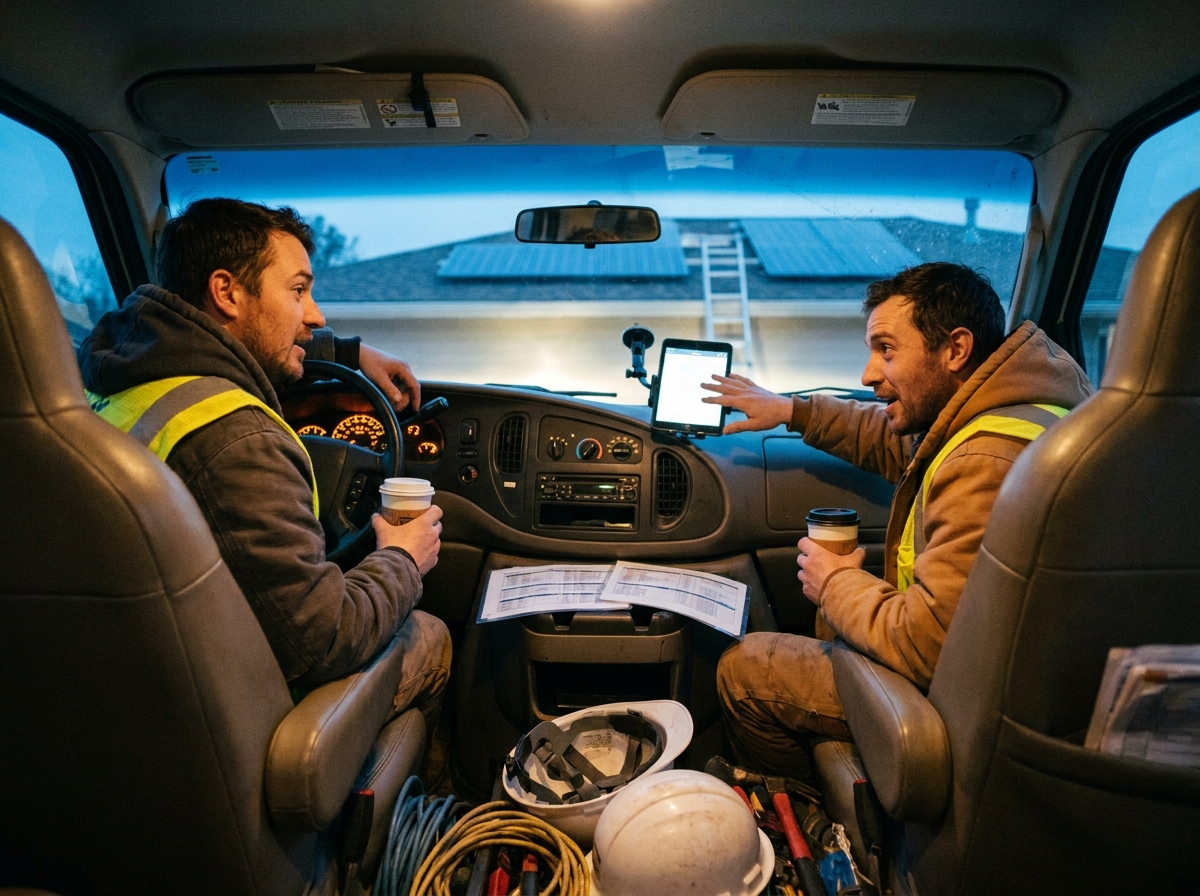
In practice, that means suggesting install windows from crew capacity, travel, job duration, readiness, and technician availability. It can also help surface conflicts before a coordinator notices them manually. The human team still owns customer promises and exception handling; the software should make those choices clearer.
For solar installation scheduling software 2026 evaluations, this is a good dividing line. Prefer constraint-based scheduling that can show its reasoning over generic automation language. If a vendor cannot explain how its recommendations are made, treat that as a reason to slow down. These are practical solar installation scheduling software tips for how to improve solar installation scheduling software: make the system earn trust on real jobs, then expand how much scheduling work you let it suggest.
Decision checklist
Before you choose, write down the scheduling problems you want solved in plain language. Do you need fewer missed readiness checks, faster reroutes, better crew utilization, cleaner customer updates, or a simpler handoff from sales to operations? A buying process without those priorities will drift toward whichever demo feels most polished.
List the job stages that must be complete before an install can be scheduled.
Define the crew skills, equipment, travel, and duration rules the calendar must respect.
Test rescheduling with real exceptions, not a clean sample job.
Confirm mobile access for field crews and clear visibility for office staff.
Ask for export options before you sign.
Compare solar installation scheduling software cost against coordination time saved, not against feature count alone.
Finally, collect your own solar installation scheduling software examples from recent jobs: the smooth install, the delayed install, and the one that required a last-minute dispatch change. Run those through each finalist. If the platform can handle those examples without awkward workarounds, you have a stronger signal than any generic checklist. If it cannot, keep looking, even if the demo sounded good. Avoid buying solar installation scheduling software software in name only; buy the operating discipline your team can actually use.
#Solar#BuyingGuide#Software#FieldService#Trades#SkilledTrades#HomeServices#BlueCollar#FieldOps#SmallBusiness#dispatch#scheduling#AI#automation#SaaS#B2B#Productivity