The Commercial Cleaning Scheduling Software Buying Guide (2026 Edition)
A practical buyer guide for commercial cleaning teams comparing scheduling and dispatch software, vendor questions, lock-in risks, and where AI scheduling fits.
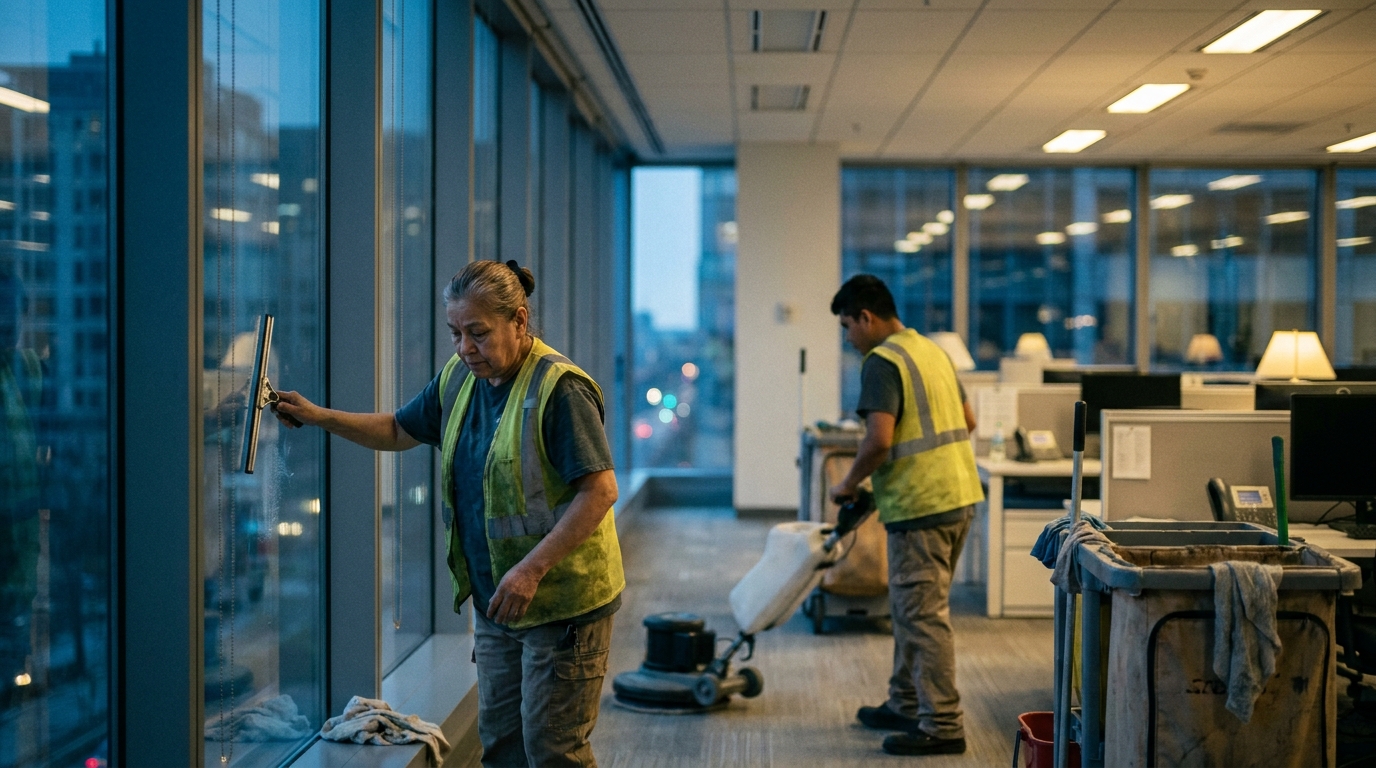
Commercial cleaning scheduling software should make the daily plan clearer, not simply move a messy whiteboard into a browser tab. For commercial cleaning owners and ops leaders, the buying question is practical: can the system handle recurring sites, after-hours crews, supervisor checks, travel time, call-outs, and client-specific instructions without forcing the office to rebuild the schedule by hand every week?
This guide uses the brief's angle directly: evaluation criteria, vendor questions, red flags, and where AI-native scheduling fits in a modern cleaning stack. Treat it as a shortlist framework for teams comparing the best commercial cleaning software, looking for a Swept alternative, or trying to decide how much scheduling automation they actually need.
What Commercial Cleaning teams actually need from scheduling software
Commercial cleaning work is different from a simple appointment calendar. Many jobs repeat, but the details still move: building access windows, floor sets, supply notes, supervisor availability, route order, and last-minute absences. The right tool has to hold those constraints together so dispatch is not rebuilt from memory every time a crew member calls out.
Start with the operating model. A small team may need a clean weekly roster, mobile job notes, and fast rescheduling. A larger janitorial operation may need site groups, supervisor layers, audit trails, team permissions, and a stronger commercial cleaning dispatch workflow. Industry bodies such as ISSA and BSCAI are useful context for the professional cleaning world, but the software decision still comes down to whether your actual schedule can be represented without workarounds.
That is why a commercial cleaning dispatch software comparison should begin with your real week: recurring office cleans, one-off project work, inspections, supply runs, and emergency cover. If the vendor demo cannot model that week clearly, the product may look polished while still leaving the hardest work with your coordinator.
Must-have vs nice-to-have features
The must-have list is smaller than most vendor pages make it seem. You need recurring job scheduling, drag-and-drop changes, crew availability, mobile access, job notes, client or site history, route awareness, and clear notifications when assignments change. You also need permission controls so supervisors, cleaners, and office staff do not all see or edit the same things.

Nice-to-have features become valuable only after the core schedule is stable. Dashboards, proposal tools, client portals, and advanced reporting can help, but they should not compensate for weak dispatch logic. If the basic calendar is brittle, extra modules add more places for the same mistakes to hide.
For a commercial cleaning scheduling software for small business, look for speed and clarity first. Can the owner or office manager update tomorrow's jobs in minutes? Can a cleaner see the right location, time, and notes without calling the office? Can the team recover when someone is sick? Those questions matter more than a long feature grid.
For a larger team, the must-have bar rises. You may need multi-branch views, supervisor review steps, stronger reporting, and integrations with payroll or accounting. This is where searches like best commercial cleaning scheduling software and commercial cleaning business software become too broad unless you filter them through your own operating model.
Questions to ask every vendor
Ask vendors to demo your real schedule, not their clean sample account. Give them a normal week, a missed shift, a new recurring site, and a client who changes access instructions. Then watch how many clicks, overrides, and manual notes it takes to keep the schedule accurate.
Use direct questions. How does the system handle recurring jobs with exceptions? Can a supervisor reassign work without losing history? What happens when a cleaner rejects or misses a shift? Can job notes differ by site, building, floor, or task? Does the mobile app work well for field teams that are moving between buildings at night?
Ask about implementation too. Who migrates existing clients and jobs? How are users trained? What support exists after launch? What data can you export if you leave? If you are comparing Janitorial Manager vs Swept, or any similar category pair, ask both vendors to show the same workflow so the comparison is about daily fit rather than brand familiarity.
Finally, ask how the product treats operational evidence. The BLS Occupational Outlook Handbook and research portals like Statista can help a team understand broader labor and market context, but your vendor still needs to show how its software helps your managers handle today's route, cleaner, site, and client constraints.
Red flags and lock-in traps
A major red flag is a demo that cannot explain exceptions. Commercial cleaning schedules are full of exceptions: holiday closures, temporary access rules, substitute cleaners, extra disinfection work, and clients who want a different crew for a sensitive area. If the system treats every exception as a note or a one-off override, the office will eventually stop trusting the schedule.
Watch for weak exports, vague contract terms, and pricing that hides the cost of supervisors, mobile users, or core integrations. Commercial cleaning scheduling software cost is not only the monthly subscription. It is also the time spent migrating data, retraining dispatchers, rebuilding templates, and cleaning up records if the fit is wrong.
Another trap is buying a broad field-service platform that understands appointments but not cleaning routes, recurring sites, or crew-based work. That does not mean a cleaning-specific platform always wins. It means the buyer should test the workflows that make commercial cleaning hard: after-hours access, recurring teams, site notes, supervisor checks, and last-minute coverage.
Be cautious with vendor language that sounds impressive but does not change the schedule. If a system says it will improve operations, ask exactly how to improve commercial cleaning scheduling software in the first thirty days. The answer should be concrete: fewer manual reshuffles, clearer crew assignments, cleaner handoffs, and better visibility for managers.
Where AI scheduling fits in a modern Commercial Cleaning stack
AI scheduling belongs where the schedule has real constraints and too many combinations for a person to test manually. In commercial cleaning, that can mean matching crews to sites, respecting availability, reducing unnecessary travel, preserving client preferences, and keeping supervisor coverage intact when the day changes.
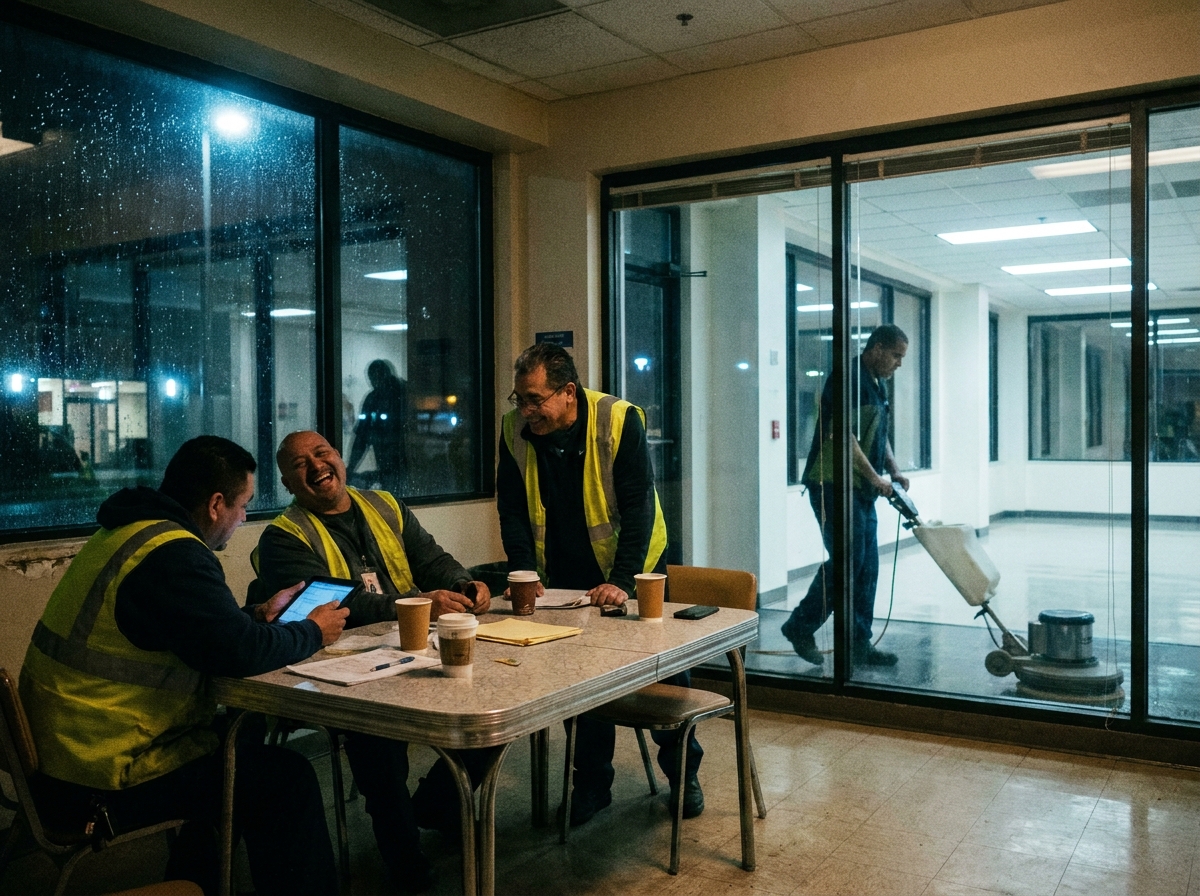
The important distinction is control. A good AI-native scheduler should explain why it placed work a certain way and let the office adjust the plan. It should not behave like a black box that overwrites local judgment. For many teams, the strongest version is a constraint-based scheduling layer that works with dispatch, job notes, and field communication rather than replacing them.
This is where a commercial cleaning scheduling software alternative to Swept, or any Swept alternative search, should be evaluated carefully. The question is not whether the product says AI. The question is whether it can turn your rules into a workable schedule and keep the human dispatcher in charge.
For Crisphive's audience, the fit is especially clear when the scheduling problem crosses tools: a manager wants to update routes from a conversation, rebalance assignments after a call-out, or ask why a crew is overbooked. The stack should make those actions deterministic, reviewable, and easy to undo.
Decision checklist
Before buying, build a short test plan. Choose three real sites, two recurring crews, one supervisor, one call-out, and one last-minute client change. Ask each vendor to run that scenario live. If the tool cannot make the schedule understandable under that pressure, it is not ready for your operation.
Confirm the system supports recurring commercial cleaning jobs with exceptions.
Test mobile job notes, crew reassignment, and supervisor visibility.
Compare exports, contract terms, onboarding support, and data ownership.
Separate must-have scheduling and dispatch from nice-to-have reporting or sales modules.
Ask how automation explains its decisions and how humans can override them.
The best commercial cleaning scheduling software 2026 shortlist is the one that survives your real workflows. Treat vendor commercial cleaning scheduling software examples as useful tips, not proof of fit; your final choice should be based on the messy week your team actually runs.
If the product keeps that week visible, editable, and accountable, it belongs on the shortlist. If it turns scheduling into another place where managers chase missing context, keep looking.
#CommercialCleaning#BuyingGuide#Software#FieldService#Trades#SkilledTrades#HomeServices#BlueCollar#FieldOps#SmallBusiness#dispatch#scheduling#AI#automation#SaaS#B2B#Productivity