The Roofing Scheduling Software Buying Guide (2026 Edition)
A practical buying guide for roofing owners and ops leaders comparing scheduling tools, vendor questions, red flags, and AI-native dispatch fit.
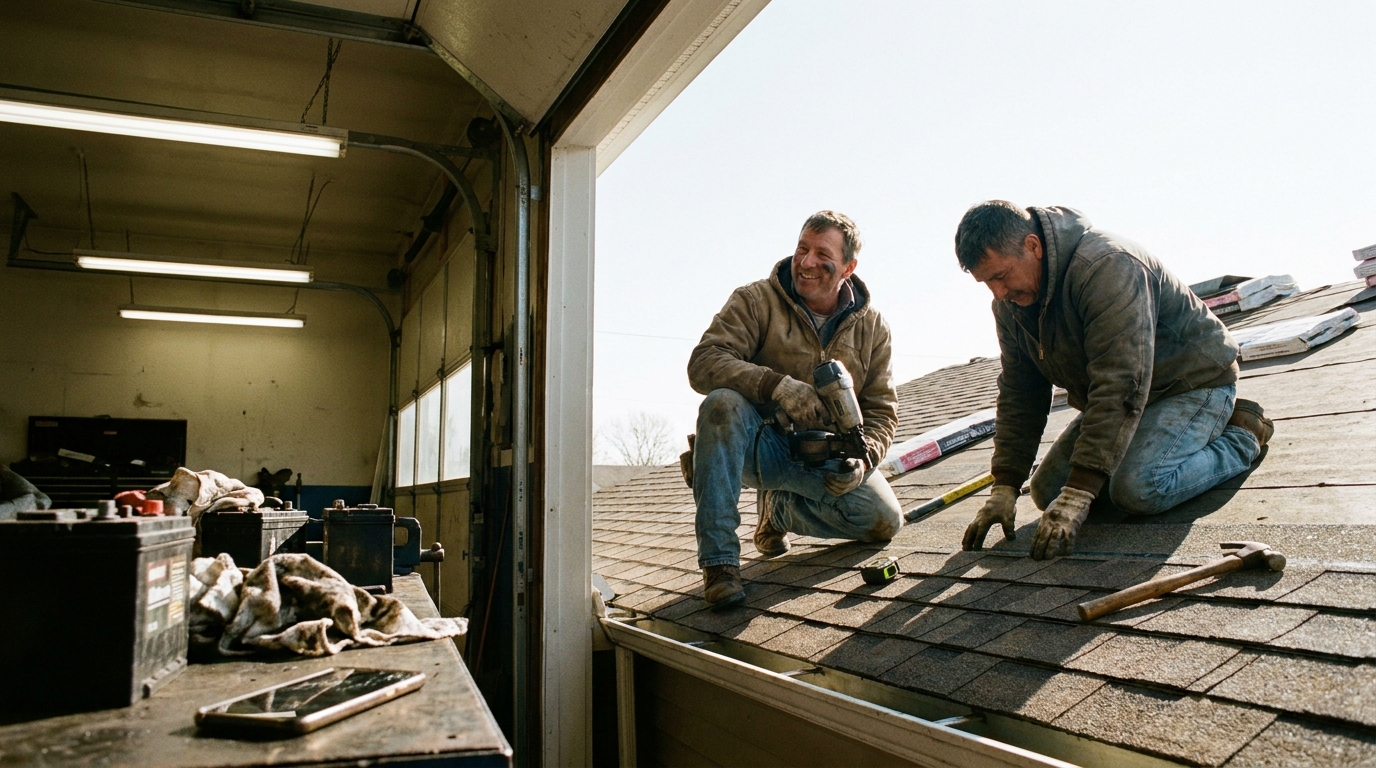
Buying roofing scheduling software is not just a calendar decision. For a roofing owner or ops leader, the tool has to hold together crews, sales appointments, weather-sensitive work, subcontractors, customer expectations, and the messy handoff between office and field. The wrong choice creates more admin than it removes. The right choice gives dispatch a clearer day, helps managers see capacity earlier, and gives crews the information they need before they climb a ladder.
This guide is for Roofing teams comparing options, pressure-testing an AccuLynx alternative, or trying to make sense of jobnimbus vs acculynx conversations without turning the search into a vendor beauty contest.
What Roofing teams actually need from scheduling software
Roofing scheduling is different from a simple service calendar because the job is rarely just one appointment. A crew may inspect, quote, return with materials, coordinate with a supplier, schedule tear-off, handle follow-up work, and keep the customer updated through each step. Good roofing business software should make those handoffs visible without forcing the office to rebuild the schedule by hand every morning.
Start with the operating reality. A dispatcher needs to know who is available, which jobs are ready, which tasks depend on another task, and which customers need confirmation. A production manager needs a view of workload by crew, not only by lead or project. A salesperson needs to see where an estimate or inspection fits without creating conflict downstream. If the tool cannot show those relationships clearly, it may be a CRM with a calendar attached rather than true roofing dispatch support.
Use industry resources such as the National Roofing Contractors Association and trade coverage from Roofing Contractor as background reading while you define your own operating checklist. Do not let a vendor define the problem for you.
Must-have vs nice-to-have features
The must-have list should stay short. Your best roofing scheduling software candidate needs crew scheduling, dispatch views, job status, customer and address details, mobile access for the field, reminders, notes, and a clean way to reschedule without losing history. If the system cannot answer where the crew is going, what they are doing, what changed, and who needs to know, it is not ready for daily production work.

Nice-to-have features can still matter, but they should not carry the purchase. Proposal templates, fancy dashboards, broad marketing automations, and polished reporting are useful only after the core schedule works. A small shop looking for roofing scheduling software for small business may be better served by a simpler tool that crews will actually use than by an oversized suite that requires constant cleanup.
Must-have: live schedule visibility, dispatch updates, job notes, mobile field access, and customer communication records.
Should-have: crew capacity views, task dependencies, reminders, production status, and simple reporting.
Nice-to-have: advanced analytics, complex automations, custom dashboards, and deep sales workflows.
When comparing the best roofing software, keep the buying frame narrow. You are choosing the system that protects the schedule first. Treat roofing scheduling software cost as a total operating question, not only a subscription line. Setup, training, migration, support, and the time your office spends maintaining the tool all belong in the comparison.
Questions to ask every vendor
Vendor demos often look smooth because the sample data is clean. Roofing operations are not clean. Ask each vendor to walk through a real day: an inspection gets delayed, a crew finishes early, a customer calls about timing, and a job needs to move without breaking the rest of the schedule. The answer will tell you more than a feature list.
Use the same questions for every roofing dispatch software comparison. How does the tool handle multi-step jobs? Can the office see crew capacity without opening every job? What happens when a job moves? Are customer notifications tied to the schedule or sent manually? Can field notes be found later? Can data be exported if you leave? What parts of setup require paid services?
If you are searching for a roofing scheduling software alternative to AccuLynx, ask directly which workflows are better, which are weaker, and what migration looks like. If you are weighing jobnimbus vs acculynx, ask each vendor to demonstrate the same dispatch scenario rather than accepting different demo scripts. For broader labor-role context, the BLS Occupational Outlook Handbook can help teams think about which office and field roles will touch the system, but your own workflow should drive the final decision.
Red flags and lock-in traps
A strong demo can hide a weak operating fit. Watch for tools that require too many manual workarounds, bury schedule changes in notes, or make the dispatcher jump between screens to understand the day. If the vendor cannot show a clear answer to a messy reschedule, that is a red flag.
Lock-in is not only contractual. It can show up as data that is hard to export, automations that only one consultant understands, custom fields that become impossible to maintain, or reporting that works only if everyone enters information perfectly. Roofing scheduling software tips usually focus on feature selection, but the quieter question is whether your team can leave cleanly if the tool stops fitting.
Be careful with broad claims such as best roofing scheduling software or roofing scheduling software 2026 unless the vendor explains the exact fit. A product can be excellent for a large multi-branch contractor and too heavy for a small crew-based shop. Another can be simple and fast but weak for production tracking. The right answer depends on your operating model, not on the loudest category label.
Where AI scheduling fits in a modern Roofing stack
If the team is asking how to improve roofing scheduling software, AI scheduling belongs after the workflow is clear. It should help an already defined operation make faster decisions, not disguise a messy process. In a modern Roofing stack, AI can suggest schedule moves, highlight conflicts, help prioritize urgent work, draft customer updates, or surface jobs that need attention. It should not become a black box that dispatchers cannot challenge.
The practical test is simple: does the AI help the office make a better scheduling decision with less switching and less guesswork? If the answer is yes, it can improve roofing scheduling software by turning scattered context into useful prompts. If the answer is no, it becomes another layer to manage.
Teams comparing roofing dispatch options should ask how recommendations are made, what information the system uses, and how humans override it. AI-native scheduling is most useful when it respects the dispatcher as the operator in charge. For category research and buyer language, sources such as Statista may help frame market context, but do not let market language replace workflow proof.
Decision checklist
Before you sign, bring the decision back to the work. The best roofing scheduling software is the one your office and field teams can run on a busy day without heroic cleanup. It should make the schedule easier to see, easier to change, and easier to trust before the first customer phone starts ringing tomorrow.
Map your current scheduling workflow from lead to inspection, production, follow-up, and closeout.
Separate must-have scheduling needs from sales, marketing, and reporting extras.
Run every vendor through the same messy dispatch scenario.
Ask about migration, exports, setup time, permissions, mobile use, and support.
Check whether the tool fits a small business today and can still support growth later.
Decide where AI should assist, where humans stay in control, and how overrides are handled.
One final search phrase can be useful, even if it is clumsy: roofing scheduling software examples. Look for examples that resemble your real schedule, not a perfect demo board. And skip awkward category stuffing like roofing scheduling software software. You are not buying keywords. You are buying a calmer operating day.
#BuyingGuide#Software#FieldService#Trades#SkilledTrades#HomeServices#BlueCollar#FieldOps#SmallBusiness#dispatch#scheduling#AI#automation#SaaS#B2B#Productivity#Roofing