Plumbing Companies: The Hidden Cost of Emergency Job Insertion
Emergency job insertion quietly drives office time, route disruption, customer callbacks, and schedule fragility for plumbing companies.

Plumbing dispatch software looks calm on a planned day. The board is full, the techs have routes, and the office can see who is going where. The hidden cost appears when an emergency job lands in the middle of that plan. One urgent leak or no-hot-water call can force a dispatcher to reshuffle work, interrupt a technician, disappoint a booked customer, and spend the rest of the day repairing the schedule. For plumbing companies, emergency job insertion is not a side case. It is the moment that proves whether the dispatch system understands the real field operation.
The strongest starting plan is narrow and observable. Pick one branch, one emergency category, or one dispatcher workflow. Measure whether the office can place the emergency faster, explain the change more clearly, and keep the rest of the board steadier. Once that works, expand the rules. Emergency insertion will never be painless, but it should stop feeling like the moment the schedule loses its shape.
The pain, quantified
The cost of an emergency insertion is rarely one clean line item. It shows up as office time, technician confusion, drive-time waste, customer callbacks, missed arrival windows, and the slow erosion of trust in the schedule. A dispatcher may place the emergency call quickly, but the business still pays for every job that has to move around it.
That is why emergency plumbing scheduling needs a different lens from ordinary calendar management. The question is not only whether a new job can be placed on the board. The question is what changes when that job is inserted: which technician loses slack, which customer gets pushed, which route bends too far, and which promised window becomes fragile.
Owners looking at BLS occupational context, market data resources such as Statista, or industry research from IBISWorld are usually trying to understand a larger operating reality. The dispatch board is where that reality becomes daily work. If the system treats an emergency as just another appointment, the real cost stays hidden until the day is already off balance.
There is also a morale cost inside the office. When emergency insertion depends on memory and hurry, the dispatcher carries the blame for tradeoffs the system never made visible. A missed window can look like a personal mistake even when the root problem was a board that could not show the downstream impact of a change. That is why the pain deserves to be quantified operationally, not only financially.
Why traditional dispatch fails here
Traditional dispatch often starts from open slots. It asks where a job can fit, then relies on the dispatcher to reason through the consequences. That may work for a quiet day, but plumbing work is full of live constraints: technician skill, geography, job duration, parts, customer priority, travel time, and the need to keep promised windows credible.
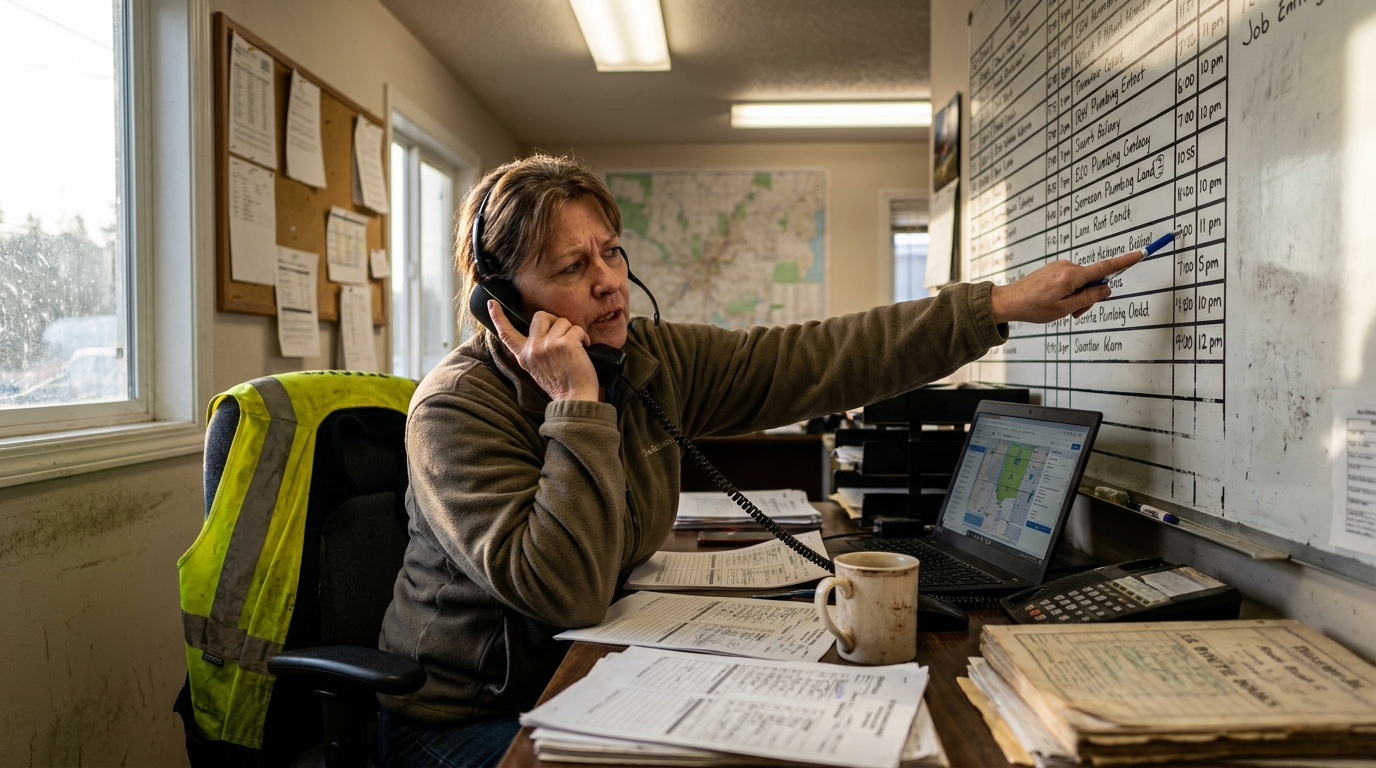
The failure mode is easy to recognize. A dispatcher sees an opening, drops in the emergency, and then discovers that the chosen tech was the only person positioned for a later job. Another tech can cover that later call, but only by crossing town. A third customer now needs an apology. None of this means the dispatcher made a poor decision. It means the software gave them a thin view of a thick problem.
This is where a ServiceTitan alternative or plumbing dispatch software alternative to ServiceTitan should be judged carefully. The useful comparison is not a feature checklist alone. It is whether the product helps the office understand tradeoffs while the day is moving. The same practical question applies in housecall pro vs servicetitan comparisons: can the dispatcher see the cost of insertion before the board absorbs it?
Manual judgment still matters, especially in a trade where local knowledge can beat a clean-looking route. The problem is that traditional boards make the human do all the hidden math. They show appointment blocks but not always the tension between skill, distance, promise, and interruption. During a quiet morning, that may be acceptable. During a burst pipe call, it becomes a liability.
The constraint-based fix
A better system treats the emergency job as a constraint problem. It does not simply ask where the job can fit. It asks which insertion creates the least damage across the day. Good plumber routing depends on that broader view: location, promised windows, skill match, technician availability, travel path, and the jobs that become unstable after the change.
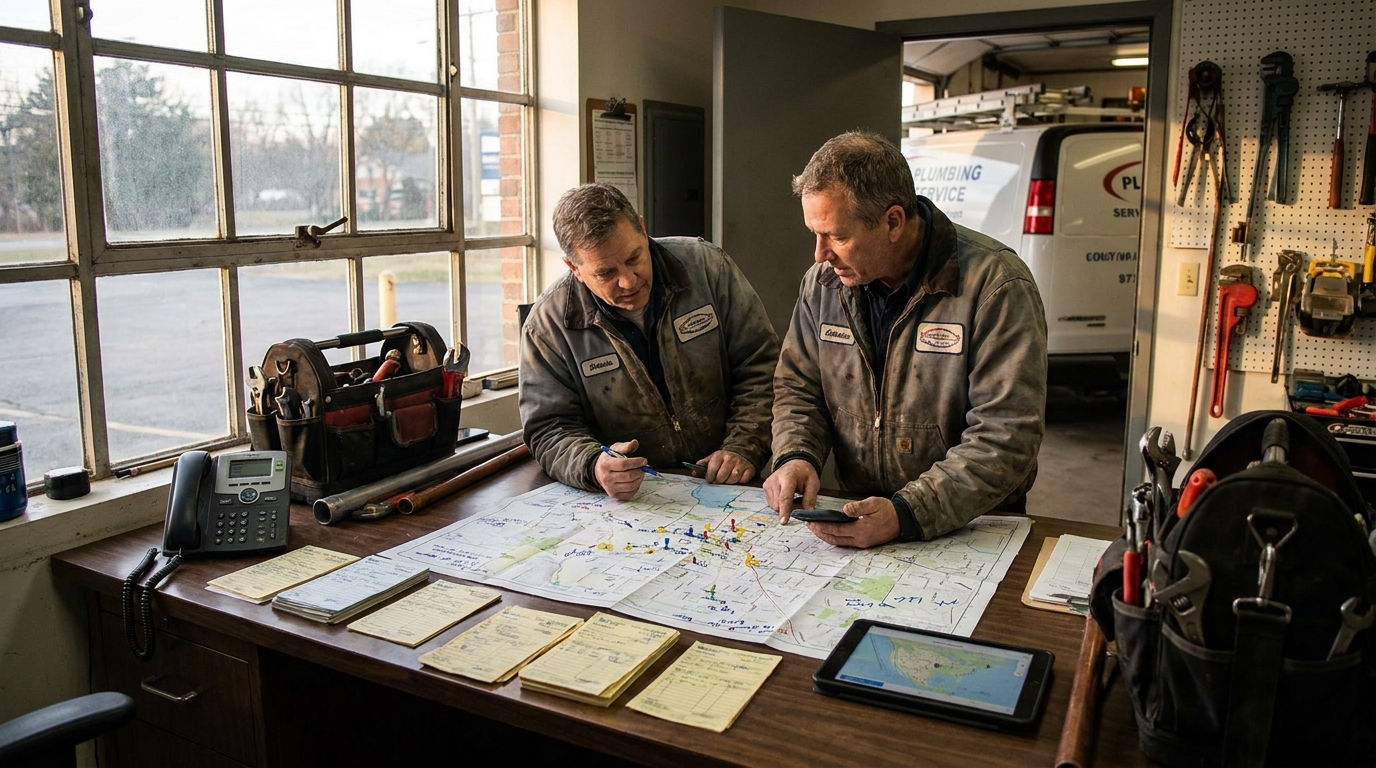
For a plumbing company, this does not need to feel abstract. The dispatcher should be able to compare a few realistic options. Send the closest technician and move the next job. Send the technician with the right part and protect the afternoon route. Hold the emergency briefly and keep two existing commitments intact. Each option has a cost, and the best plumbing dispatch software makes those costs visible enough to choose.
This is also how to improve plumbing dispatch software without turning the office into a technical project. Start by naming the constraints that matter most. Then make sure the board, rules, and alerts reflect those constraints. The goal is not an overbuilt system that argues with the dispatcher. The goal is a clearer decision surface when every minute feels expensive.
A constraint-based approach also makes exceptions easier to discuss. If the owner wants emergency calls prioritized above routine maintenance, that rule can be explicit. If certain customers or job types should be protected, that can be modeled too. The system should not pretend every job is equal when the business knows it is not. It should expose the priorities the company already uses and apply them consistently when the day changes.
What a better day looks like
On a better day, the emergency call still arrives. The difference is what happens next. The office enters the job, sees the likely insertion points, and understands which scheduled calls are at risk. The dispatcher can protect high-priority commitments, avoid unnecessary route backtracking, and give the customer a window that the field team can actually support.
The technician experience changes too. Instead of receiving a sudden reassignment with little context, the tech sees why the job moved and what comes next. The route may still change, but it changes coherently. The office is not guessing, the technician is not improvising from scratch, and the customer is not hearing a vague promise that the board cannot keep.
This is where plumbing business software needs to serve the actual plumbing business, not only the admin workflow. Plumbing dispatch is a live operating function. A strong plumbing dispatch software for small business setup may be narrower than an enterprise suite, but it still needs to answer the same daily question: when urgent work enters the board, what is the least disruptive way to make room?
The office also gains a better review loop. At the end of the day, managers can look back at the emergency insertion and ask whether the chosen route was reasonable, whether the promised windows were protected, and whether the same decision would be made again. That kind of review turns dispatch from a stream of one-off reactions into an operating discipline the company can improve over time.
Getting started
The first step is to audit the last few emergency insertions. Do not start with a software demo. Start with the moments that hurt. Which jobs moved? Which routes stretched? Which customer promises became shaky? Which decisions depended on one experienced dispatcher keeping the whole map in their head?
From there, define a small operating standard. Decide what information every emergency call needs before it touches the board. Decide which commitments should be protected by default. Decide when the dispatcher can override the recommendation, and what the system should show before that override happens. These plumbing dispatch software tips are simple, but they make evaluation sharper.
When comparing plumbing dispatch software 2026 options, avoid judging only by breadth. Ask for plumbing dispatch software examples that show emergency insertion, route protection, and technician reassignment. Ask how the product explains tradeoffs. Ask what affects plumbing dispatch software cost: record volume, users, routing depth, integrations, or implementation work. And ignore any phrase like plumbing dispatch software software when it appears as keyword clutter; the real buying question is whether the system helps your team handle the call that breaks the plan.
#Plumbing#Trades#dispatch#Emergency#SkilledTrades#HomeServices#BlueCollar#FieldService#FieldOps#SmallBusiness#scheduling#AI#automation#SaaS#B2B#Productivity